Restrict Which DICOM Sources May Send
The Sources tab displays all configured sources for the selected forward node.

A source is used to control which entities can send DICOM data to the forward node. It validates that received DICOM instances come from a known Application Entity Title (AET).
Info
If no sources are defined, the forward node will accept DICOM instances from any AET without restrictions.
Create a source
To create a new source, click the Source button and configure the following fields:
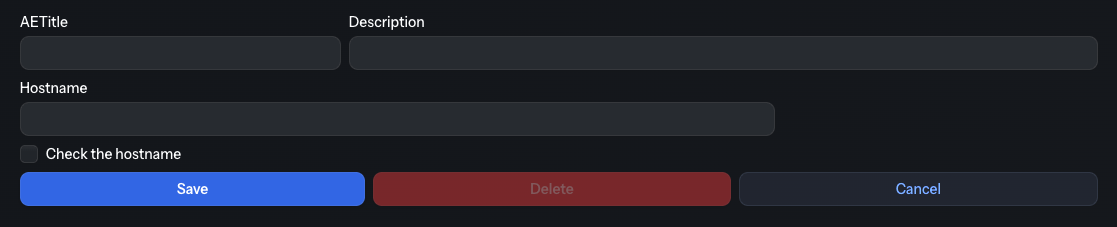
| Field | Description | Required |
|---|---|---|
| AETitle | Application Entity Title of the source DICOM node (16 characters max) | Yes |
| Description | Optional description to identify the source | No |
| Hostname | Hostname or IP address of the source DICOM node | No* |
*Fill in the Hostname when you enable the “Check the hostname” option. When enabled, Karnak validates both the AET and the hostname (or IP address) of the calling node during the DICOM association, and refuses the connection when the hostname does not match.
Source validation behavior
When a DICOM instance is received by the forward node:
- With sources configured: Only instances from registered AETs (and hostnames, if enabled) are accepted. Instances from any other node are refused with the DICOM status Not Authorized (0124H) and are listed in the Monitoring view as not transferred, with the reason Source not authorized:
. - Without sources configured: All instances are accepted.
This provides flexible security control for your DICOM workflow.